
WooCommerce inventory sync & listing software

Integrated with official WooCommerce APIs
Since 2015
Sell across multiple channels by bringing products into WooCommerce, expanding listings to other platforms, and keeping inventory in sync.

list your products to Woo
automatically sync stock across channels

transfer multichannel orders to Woo
edit listings centrally from Nembol or Woo

promote your products on social media
generate your ecommerce website
Bulk upload products to WooCommerce
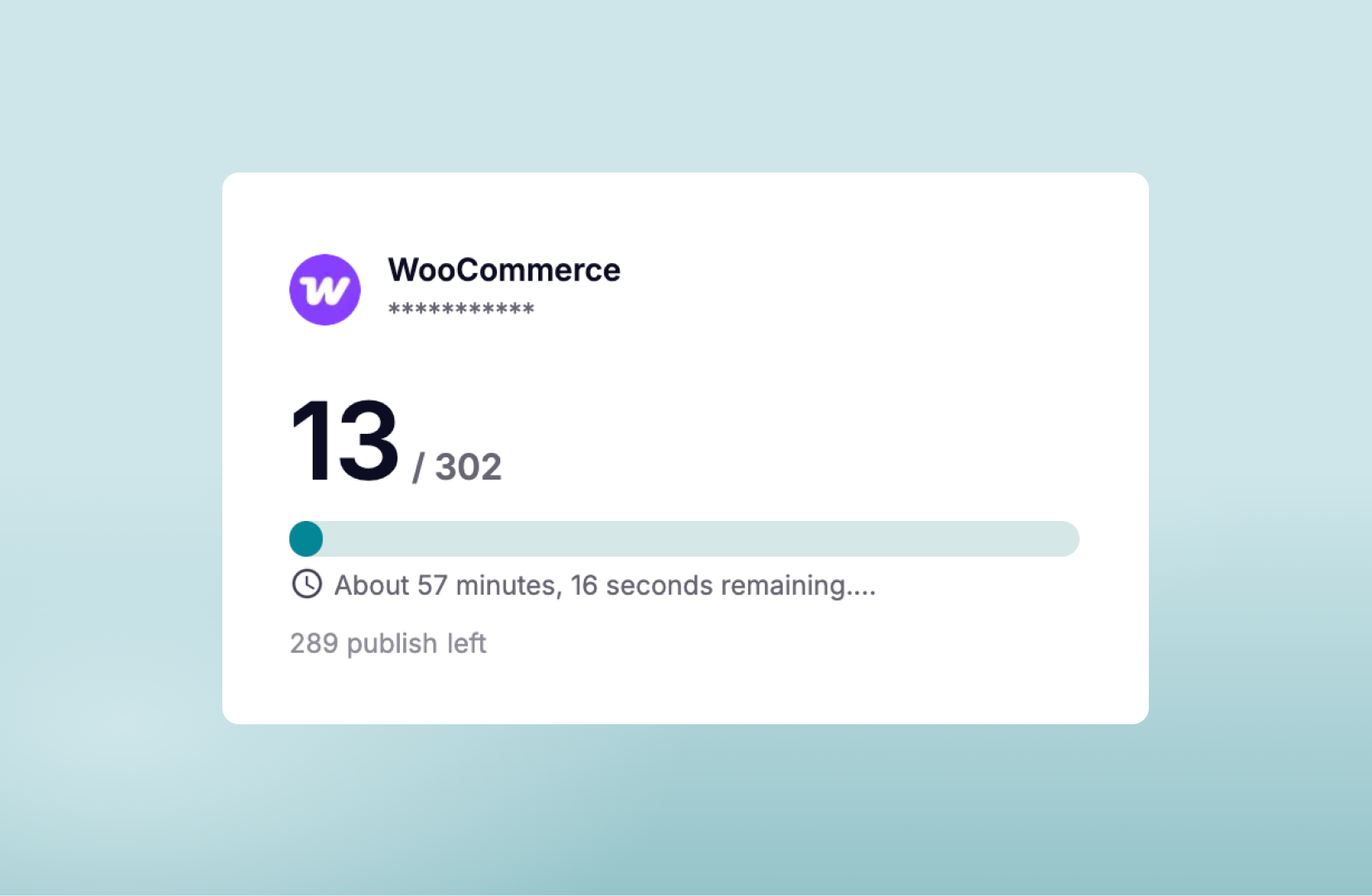
Use Nembol app to list products on and from your WooCommerce store to several channels. Bulk list hundreds of products on your WooCommerce store in just a few clicks.
Import listings with product variants from WooCommerce into Amazon, multiple eBay, Etsy, Shopify, PrestaShop, TikTok Shop and more.
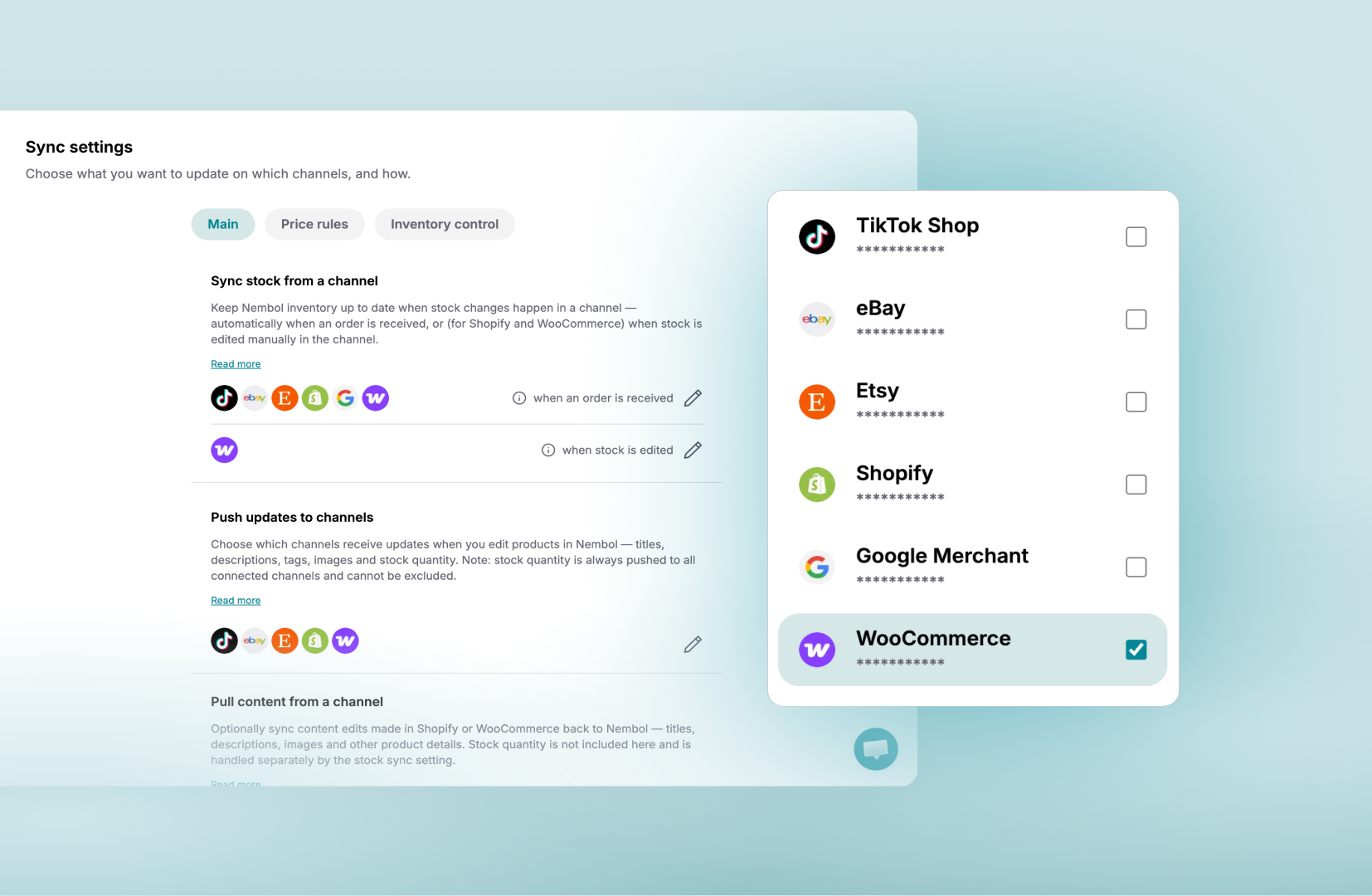
Update stock on WooCommerce
With Nembol, you can automatically sync your inventory across WooCommerce, Amazon, eBay, Etsy, Shopify, and TikTok Shop!
If you already have products on multiple channels, use the link function to keep their stock aligned.
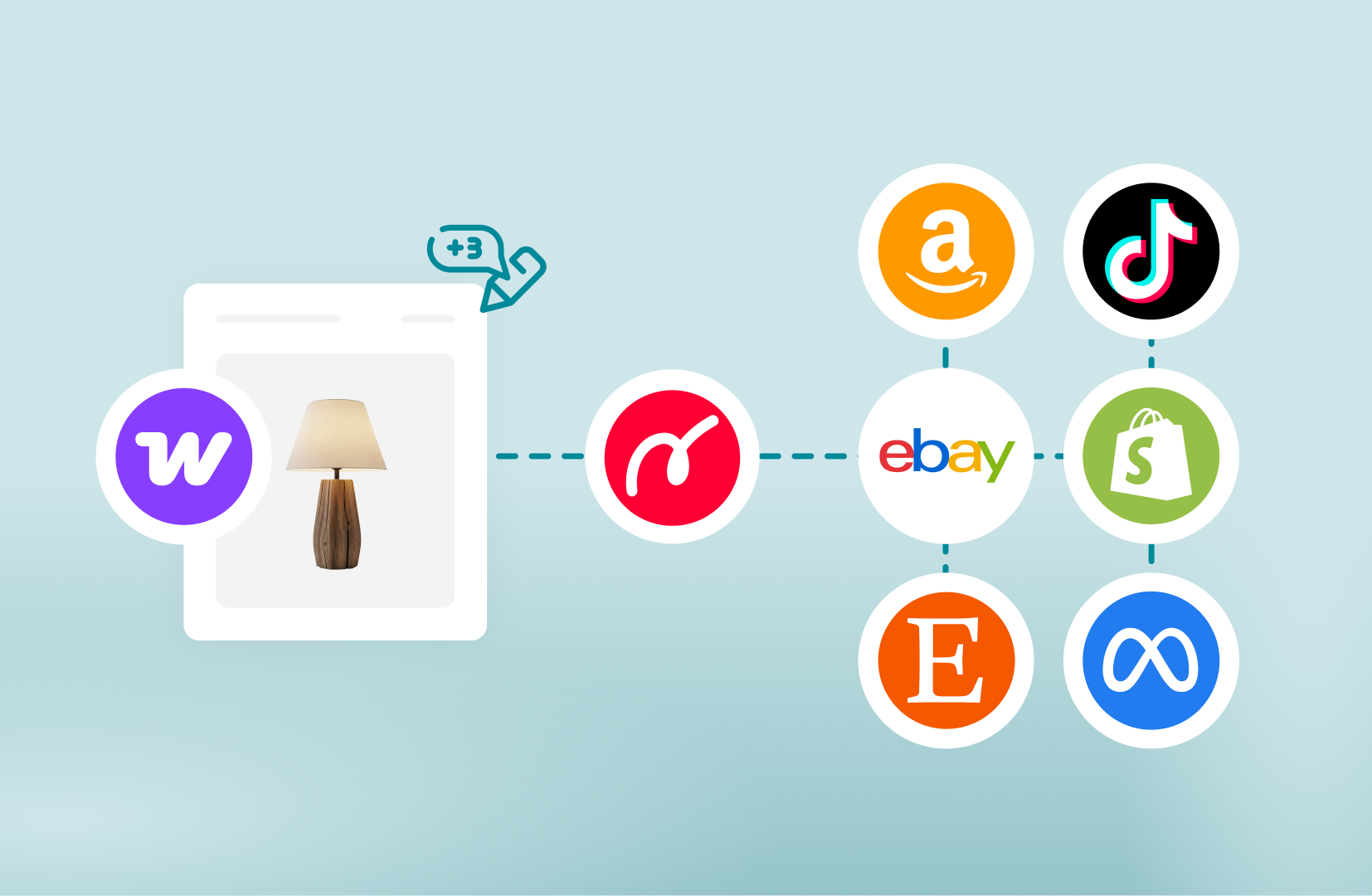
Bulk edit products in WooCommerce
Manage your WooCommerce listings centrally in Nembol or edit products directly in WooCommerce while keeping all your channels aligned automatically.
Edits made in your WooCommerce store are automatically detected by Nembol and synced to your connected marketplaces based on your sync settings.
Import orders into WooCommerce
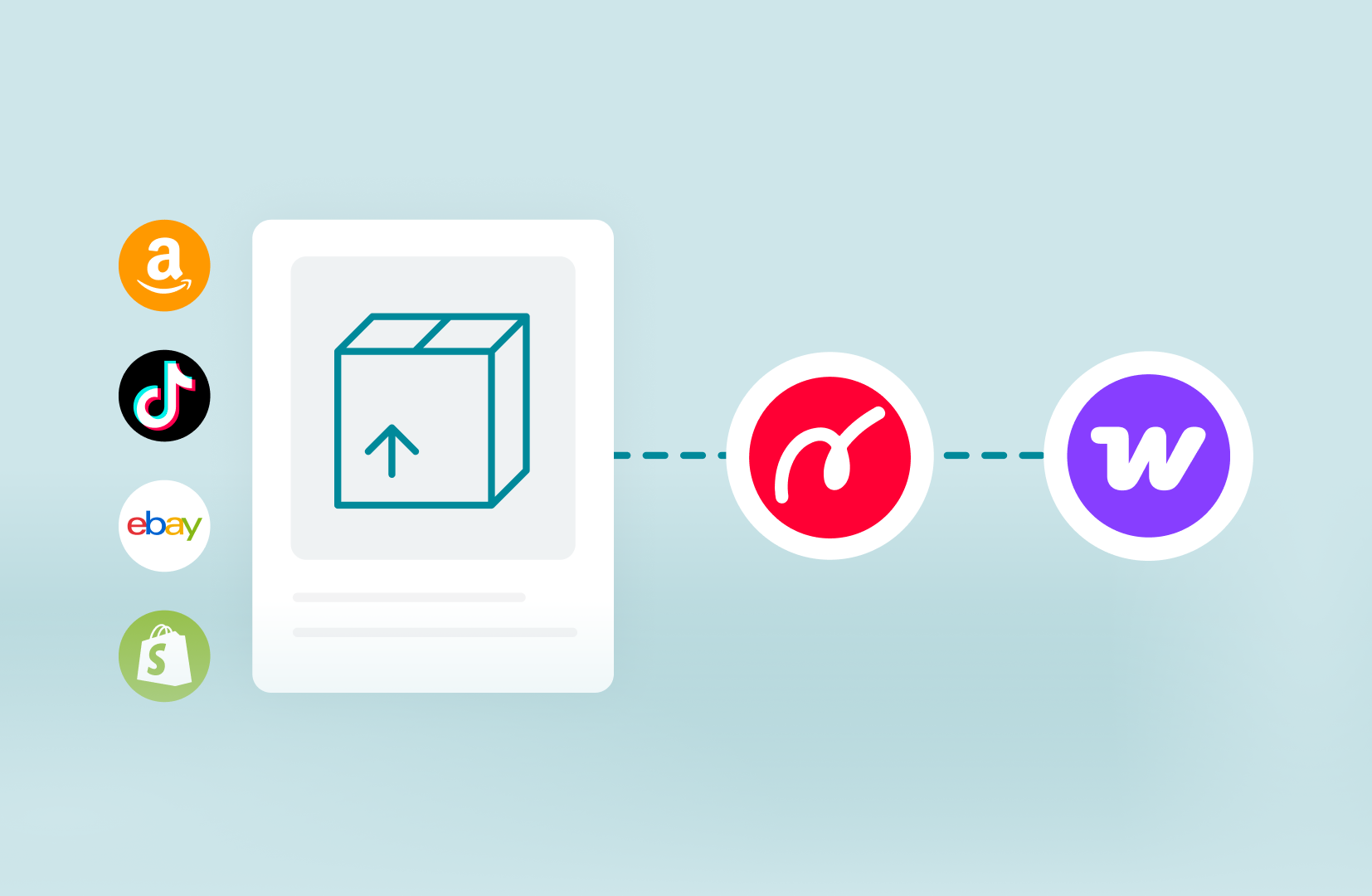
Centralize your multichannel business by importing orders from marketplaces directly into WooCommerce.
With WooCommerce Transfer Orders, Nembol automatically transfers orders from channels like Amazon, eBay, Etsy, Shopify, and more into your WooCommerce backend, helping you manage fulfillment from one place.
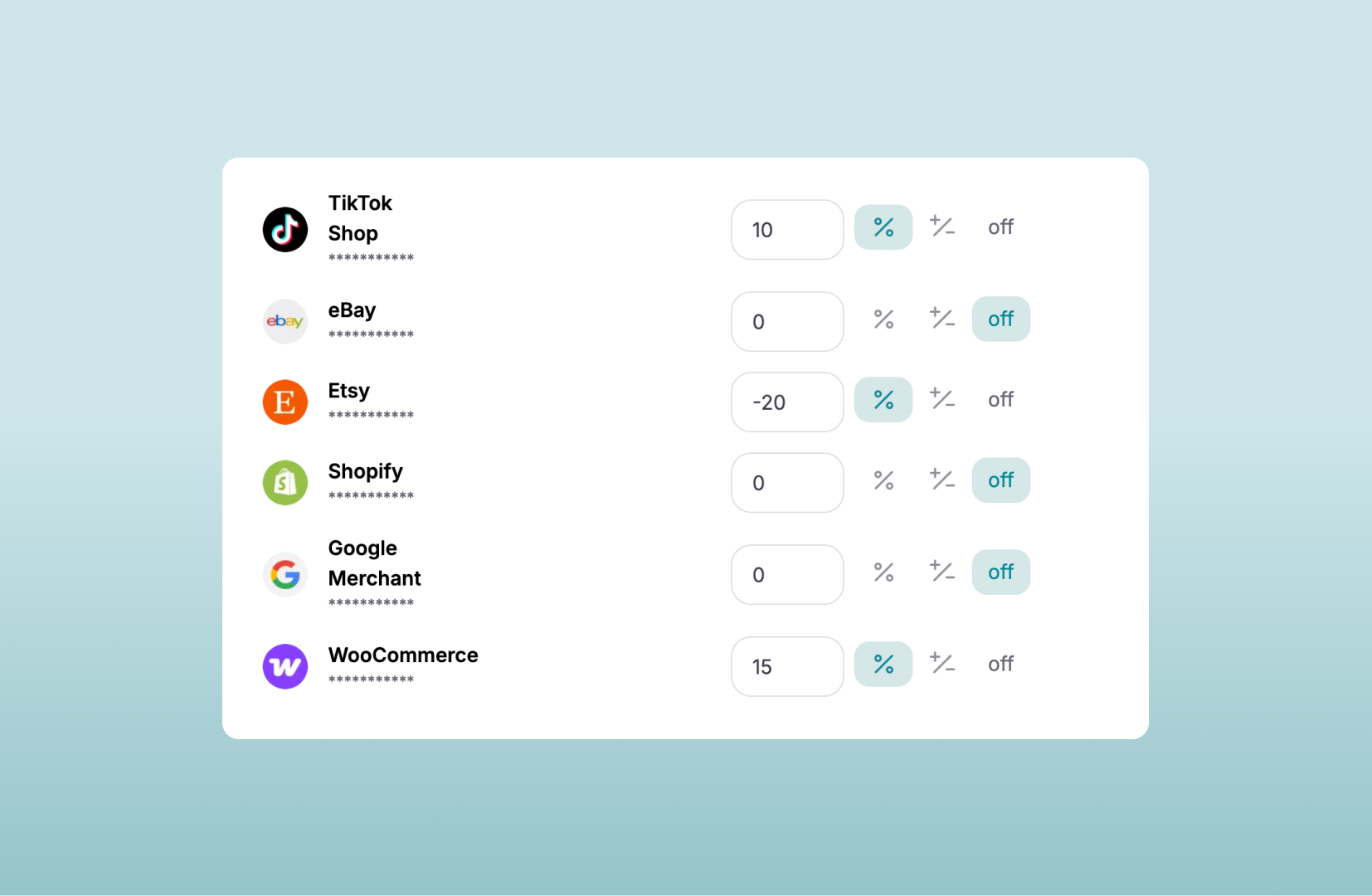
Differentiate WooCommerce product prices across channels
Use pricing rules to raise or lower prices while listing from WooCommerce to channels, and vice versa. Getting higher margins over your sales never been so easy.
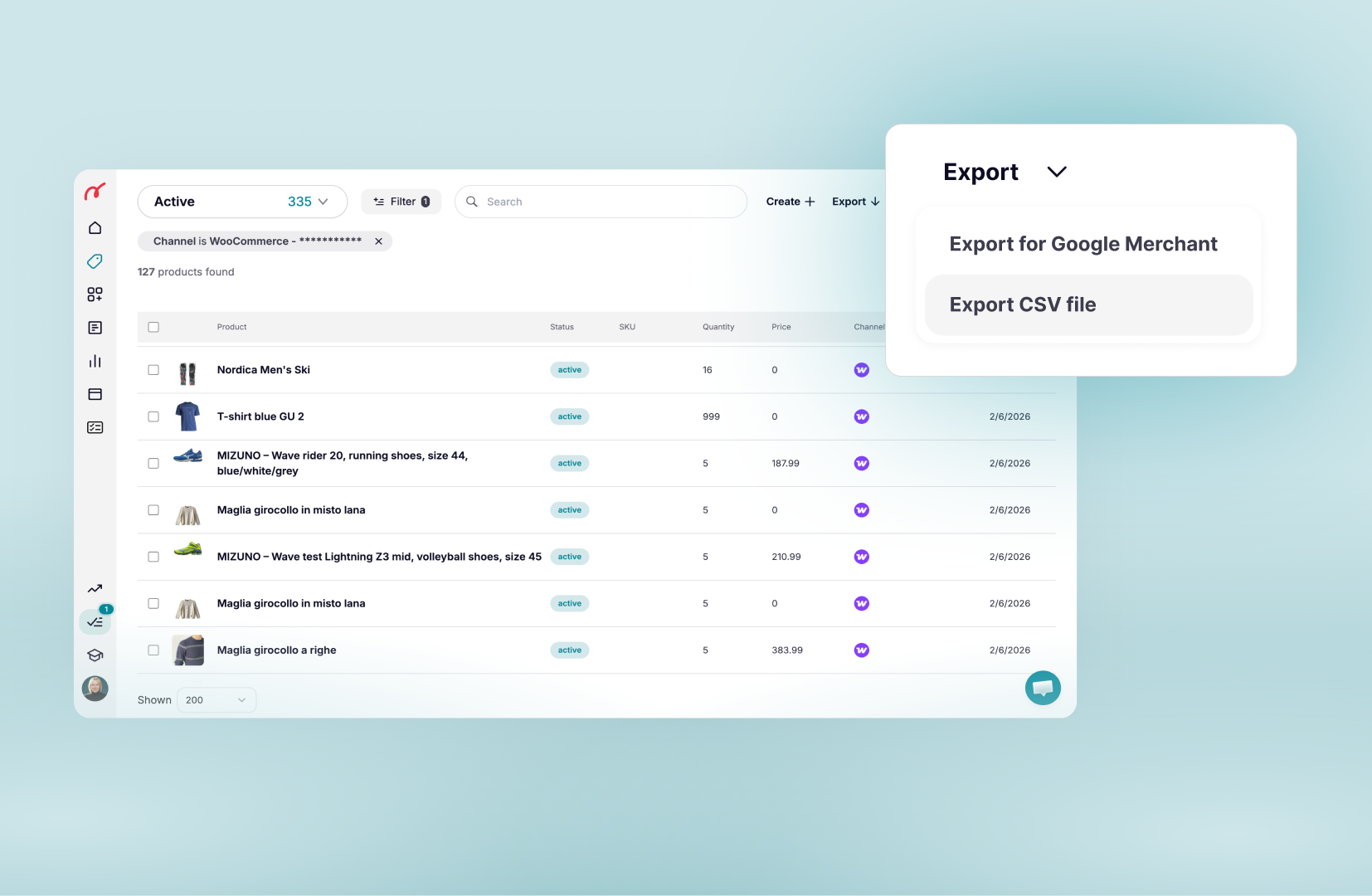
Import and export WooCommerce Products in CSV
Use Nembol to import and export WooCommerce product data via .CSV. This will allow you to keep it aligned with your ERP, or legacy system. Improve your multichannel business effortless.
Bulk upload products to WooCommerce
Use Nembol app to list products on and from your WooCommerce store to several channels. Bulk list hundreds of products on your WooCommerce store in just a few clicks.
Import listings with product variants from WooCommerce into Amazon, multiple eBay, Etsy, Shopify, PrestaShop, TikTok Shop and more.
Update stock on WooCommerce
With Nembol, you can automatically sync your inventory across WooCommerce, Amazon, eBay, Etsy, Shopify, and TikTok Shop! Let WooCommerce stock sync in real-time across channels, thanks to Nembol quantity sync tool.
If you already have products on multiple channels, use the link function to keep their stock aligned.
Bulk edit products in WooCommerce
Manage your WooCommerce listings centrally in Nembol or edit products directly in WooCommerce while keeping all your channels aligned automatically.
Edits made in your WooCommerce store are automatically detected by Nembol and synced to your connected marketplaces based on your sync settings.
.
Import orders into WooCommerce
Centralize your multichannel business by importing orders from marketplaces directly into WooCommerce.
With WooCommerce Transfer Orders, Nembol automatically transfers orders from channels like Amazon, eBay, Etsy, Shopify, and more into your WooCommerce backend, helping you manage fulfillment from one place.
.
Differentiate WooCommerce product prices across channels
Use pricing rules to raise or lower prices while listing from WooCommerce to channels, and vice versa. Getting higher margins over your sales never been so easy.
Import and export WooCommerce Products in CSV
Use Nembol to import and export WooCommerce product data via .CSV. This will allow you to keep it aligned with your ERP, or legacy system. Improve your multichannel business effortless.
Experience Nembols in its Entirety with our free trial!
Start selling with WooCommerce
Connect your WooCommerce
Connect to Nembol your WooCommerce store.
Import or list your products
Import your WooCommerce products to Nembol (if you have any), or list your products from eBay, Etsy, Shopify, Amazon to WooCommerce.
Sync inventory multichannel
Keep stock quantity aligned with other channels: eBay, Etsy, Shopify, Amazon, TikTok Shop.
Edit centrally or in WooCommerce
Edit products directly in WooCommerce or manage listings centrally in Nembol across all connected channels.
Transfer orders to WooCommerce
Import orders from Amazon, eBay, Etsy, Shopify, and TikTok Shop directly into WooCommerce.
Expand your business on more channels
When you’ll wish to go beyond
Not sure where to start?
Just drop your email and we’ll reach out to help!
By entering your email address, you accept our Privacy Policy and Terms of Use. Totally free. Unsubscribe at any time.